01
AI Video Guide
Image-to-Video Prompt Framework
A practical structure for directing subject motion, camera movement, environment, lighting, and continuity.
Overview
Built for Repeatable Work
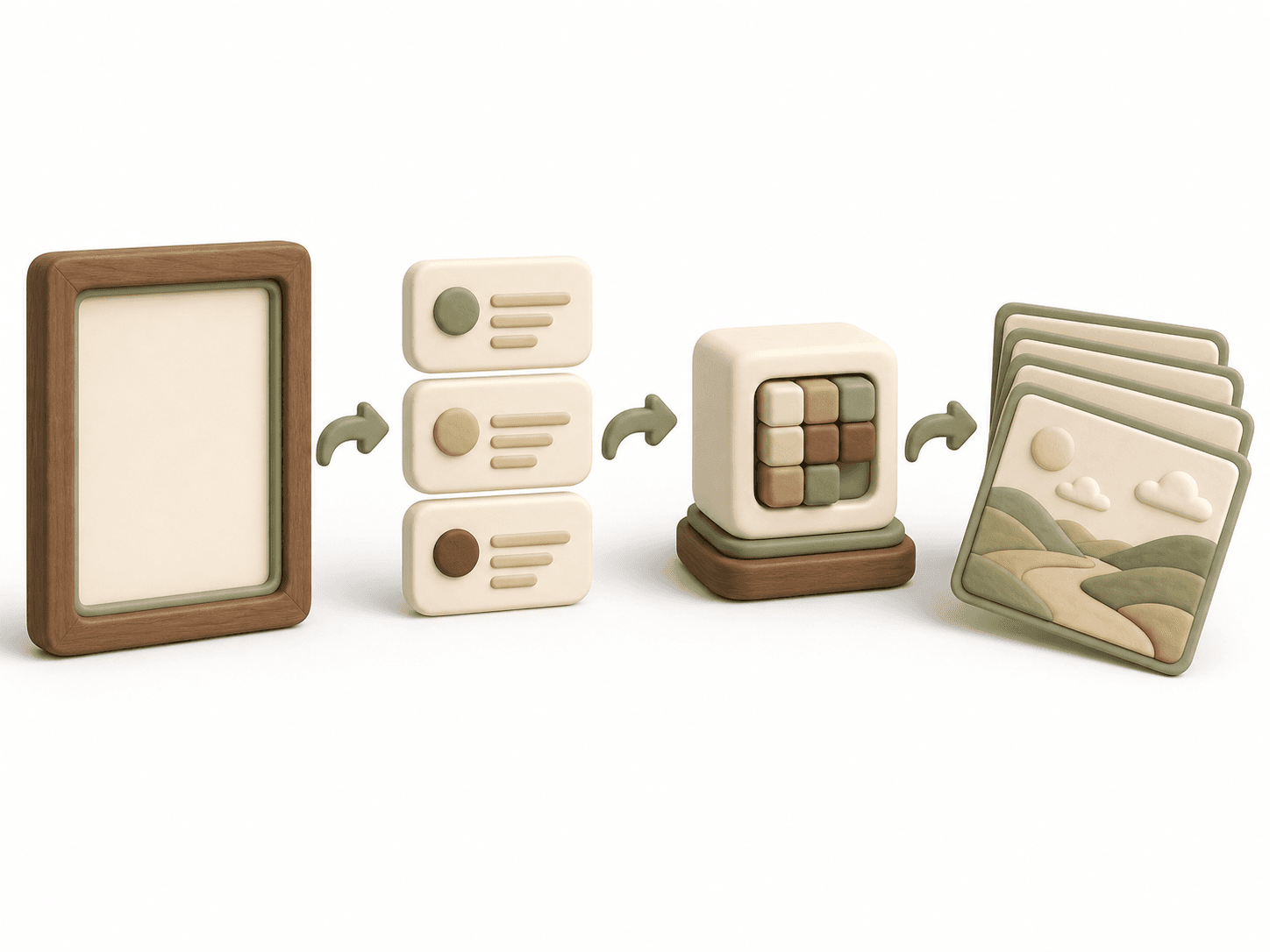
Image-to-video prompts work best as motion direction, not as a second image description. This framework tells the model what changes, what stays fixed, and how the camera observes the action.
Public Reference
What This Web Guide Covers
This page is the resource itself. It provides a public planning outline rather than a downloadable FourFeetz production package, character master prompt, internal bible, or current core settings.
02
Camera direction field
03
Environmental motion field
04
Continuity and negative-motion checks
How to Use
A Practical Process
- Step 1
Start from a clean, approved reference frame.
- Step 2
Choose one subject action and one camera move.
- Step 3
Describe timing with words such as slow, steady, or gradual.
- Step 4
Add only environmental motion that supports the shot.
- Step 5
State which face, outfit, and background details must remain stable.
Worked example from published work
Turn a rainy-window scene into one reviewable action
The HARU and LUNA rainy-window record describes a quiet shared moment with rain outside and room for the music. Translate that purpose into separate motion and continuity fields instead of repeating every visual detail in the reference image.
This teaching example applies the linked public record to this resource. It is not the original private prompt or production log.
- Purpose
- Keep the shared moment calm and readable at phone size.
- Primary action
- Choose a small glance or posture change; do not stack walking, turning and jumping in the same shot.
- Camera and environment
- Use a stable viewpoint and keep the rain outside the window.
- Protected details
- Preserve the two faces, relative scale, window boundary and contact between paws and floor.
The decision this example supports
When the window changes shape or a paw loses contact, remove competing motion requests and review a new generation. Trimming can improve timing, but it cannot repair inconsistent anatomy or room geometry.
Best Practices
Use It Well
FAQ
Questions, Answered
Should I repeat the image description?
Only repeat identity details that must not change. Spend most of the prompt on motion and timing.
Can I request several actions?
One primary action per shot is more reliable and easier to edit.
Related Resources
Continue Building
Public Framework
Character Consistency Planning Framework
A public planning outline for reviewing identity, wardrobe, proportions, and visual continuity across generated scenes.
Workflow
AI Short Film Workflow
A repeatable production pipeline from story and reference development to animation, sound, editing, and publishing.
Template
Storyboard Planning Template
An editorial planning sheet for framing, action, camera direction, sound, transitions, and continuity.
FourFeetz Toolkit